
- Download count 164
- Pageviews 993
- Unique foldername
- Skin for
- Track Mod for
- Based on
- Release date 2026-05-11
- Version from 2026-05-11
- Version 1.0
- RVW-ID 47254
- Category Modification
-
Score
 98/100
(8 votes)
98/100
(8 votes)
- Unconventional car?
- Construction
- Engine
- Transmission
- Top speed mph
- Total weight kg
- Acceleration m/s²
- Construction
- Track difficulty
- Track length m
- Reverse version available?
- Time trial times available?
- Practice mode star available?
- Online multiplayer compatible?
Hi.
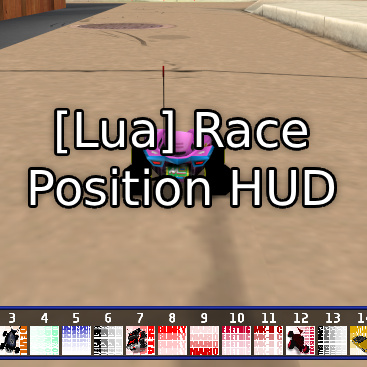
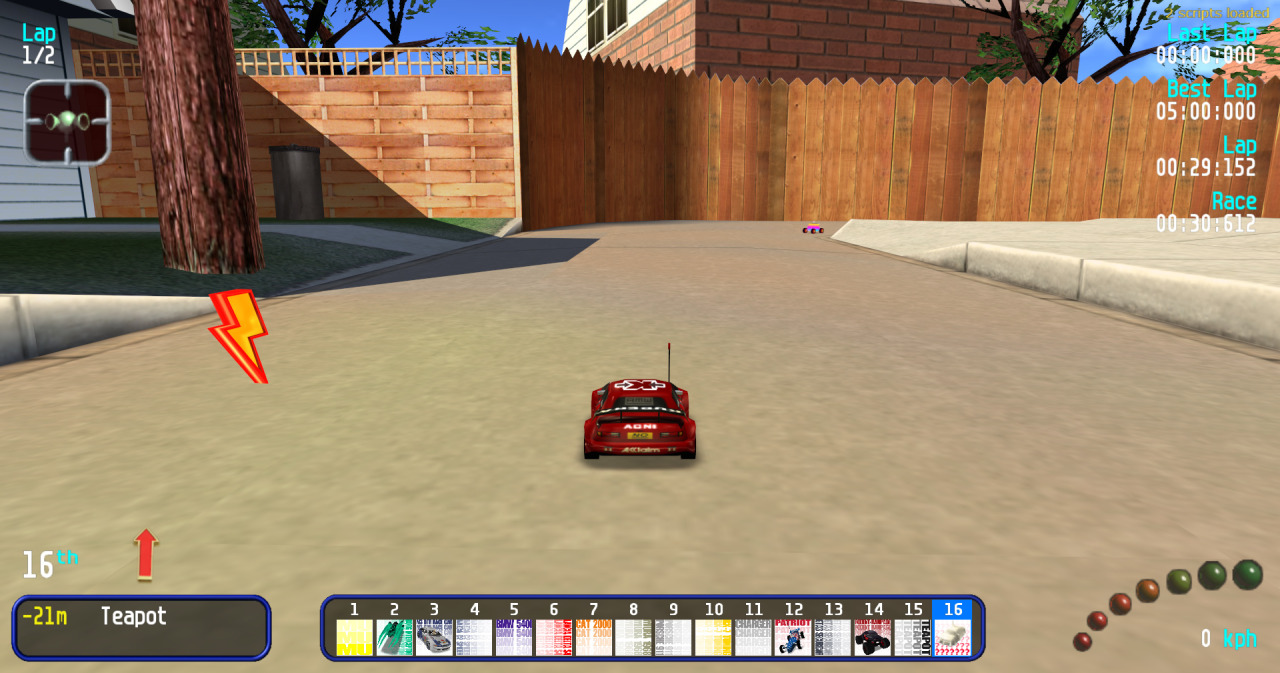
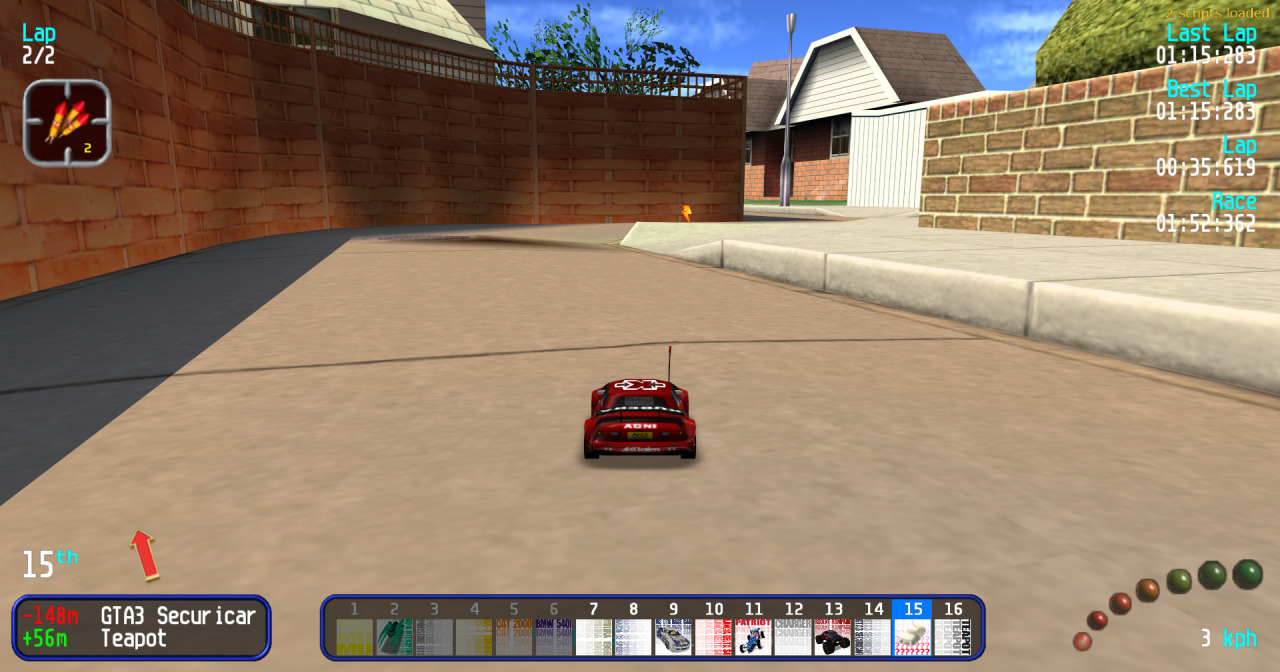
Inspired by [Lua] Rivals HUD I created something else. It displays on bottom of the screen a frame with all cars current position in race and their carboxes.
Credits to EstebanMz for advices and final polishing.
How to install?
1. Install RVGL Lua Modloader.
2. Install [Lua Utility] Custom Gui Utility.
3. Extract file folder "mods" into main game folder.
Features
- Player's position is highlighed in blue.
- After finish the race each car's carbox and position are darker.
- Positions in race don't change after the race has finished if a car moves.
If you want, feel free to mod this script for your needs and share new ideas.
NOTE: With current version of Custom Gui Utility (2026-04-19), cars stored in packs folder won't load its corresponding carbox.



@hinochikara – But both of these work fine together? There doesn’t seem to be any compatibility issues.
I have the right version of the game for the mod loader, and no cars in “packs” folder – Sadly, still not working. It only tells me that 2 scripts are loaded, but the GUI for this mod doesn’t show up.
EDIT: Nevermind, sorry for the issue. Turns out my issue was that, apparently, you can not have the file named “revolt.exe”, it HAS to be “rvgl.exe”, though not sure why. I keep the file named “revolt.exe” though, because I own Re-Volt 1.2 on Steam and usually just put RVGL files over it instead, but for compatibility with Steam’s launching process, I name the file “revolt.exe” again.
Some of these mods would be really cool if they were integrated into RVGL, like this one.
Do not use with [Lua] Rivals HUD mode.